sbd.org.ukNo. 03
This issue
AI in the administrator's toolkit
- + Intune Endpoint Management: AI, APIs, Copilot
- + Self-Maintaining Intune App Catalogue with AI
- + Giving Claude a Second Brain
This issue
Endpoint Management
How AI changes Intune endpoint management: Copilot agents, API-driven policy configuration, and intelligent drift detection instead of manual clicks.
By Paul Bentley · 15 min read
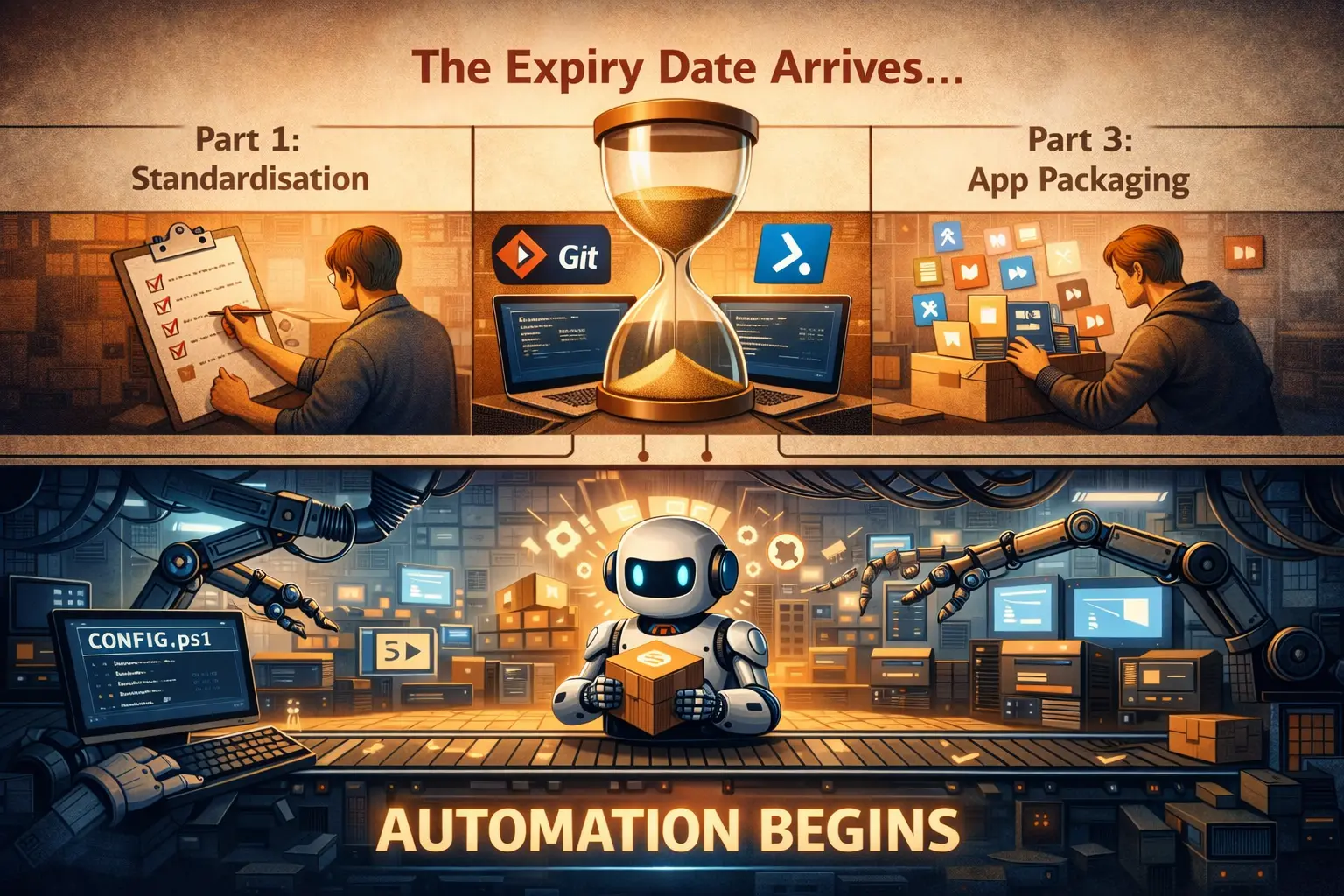
In Part 1, we made the case for standardisation. Part 2 codified endpoint configuration, treating Intune policies like source code, with Git, pull requests, and pipelines, and Part 3 tackled application packaging and lifecycle management.
Every process described in those posts (writing DSC configurations, building MSIX packages, managing deployment rings, reviewing pull requests) assumed a human doing the work: a skilled, disciplined human following frameworks and checklists.
Part 2 ended with a hint: "everything above assumes you're the one writing the code and making the commits. That assumption has an expiry date."
This is the post where the expiry date arrives.
Endpoint Management
How I built a self-maintaining Intune app catalogue: Graph API pulls inventory, AI classifies it, and surfaces your MSIX migration shortlist automatically.
By Paul Bentley · 12 min read
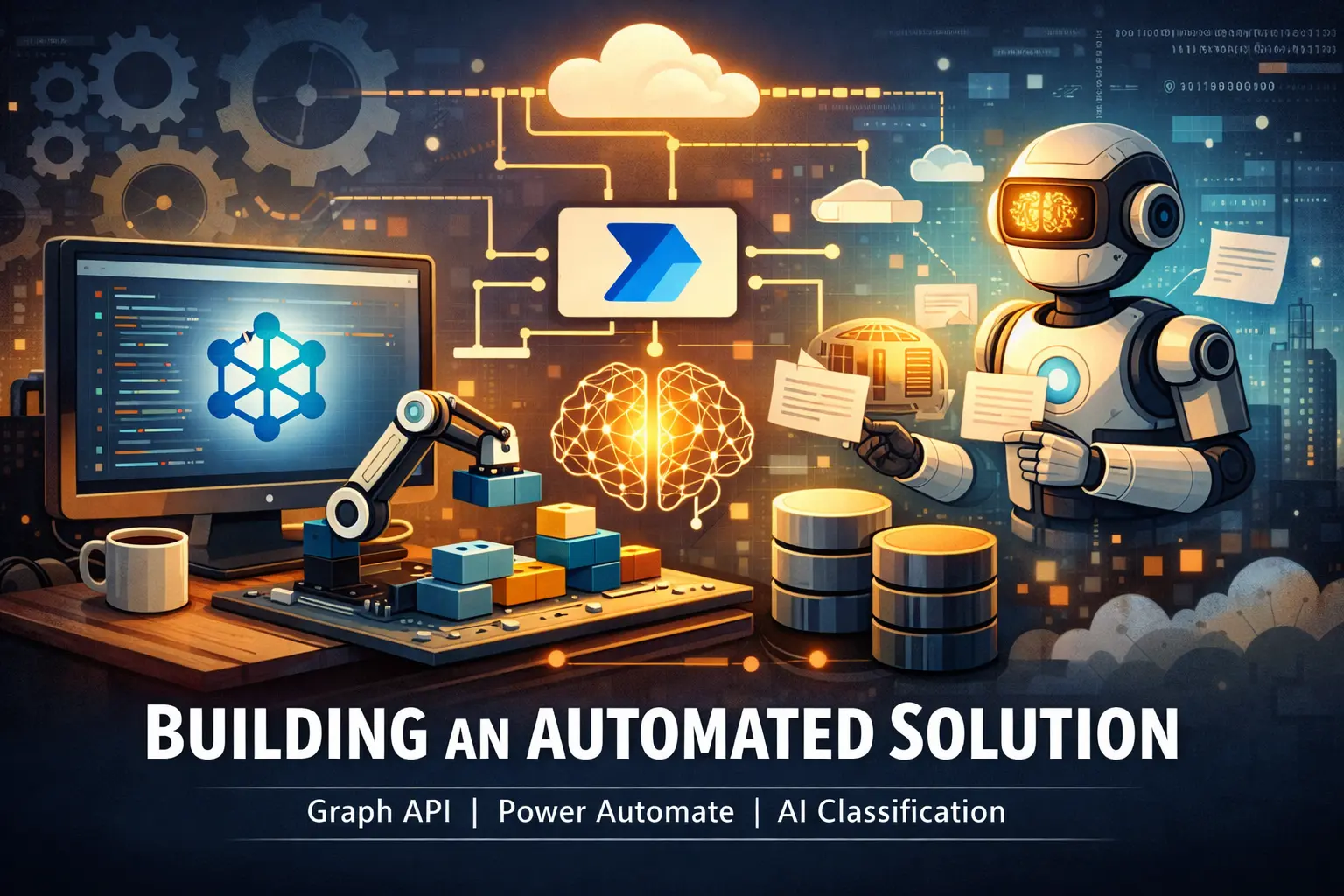
In Part 4 of the Windows Endpoint Management series, I described the catalogue problem in about 200 words and waved my hands at a solution. Graph API, Power Automate, AI classification: the building blocks were named but not assembled. This post is the 4,000-word version where we actually build the thing.
Someone asks "what applications do we have deployed?" and the answer takes three weeks of archaeology through Intune portals, spreadsheets of varying vintage, and conversations with people who left the organisation two years ago. The catalogue that was supposed to answer this question died quietly in a SharePoint list that nobody updated after March.
This post fixes that. Spreadsheet discipline has already been tried, and it didn't hold. A pipeline that maintains the catalogue automatically, enriches it with AI, and surfaces the outputs you need for migration and governance decisions does the job instead.

AI & Copilot
How I gave Claude persistent memory in Postgres: an MCP server with per-project isolation enforced by database roles, not application code.
By Paul Bentley · 19 min read
Every conversation I have with Claude starts the same way: with Claude knowing nothing about me, nothing about my homelab, nothing about any of the projects I'm working on. I fix this the obvious way, by pasting context, pointing at files, or re-explaining decisions I've already explained fifty times.
That works, and it costs more than it looks. Everything I paste lands in the context window, and the context window is finite. On a standard plan it is finite enough to feel, which changes the problem entirely: the tokens spent explaining the background are the same tokens the actual work needs. Front-load enough history to make a session useful and a real portion of the budget is gone before anything has been done. Run long enough and the conversation gets compacted, the summary quietly loses the detail that was pasted in, and it gets pasted again. I have had sessions where the first ten minutes were me re-explaining my own infrastructure, and the first thing lost to compaction was that same explanation.
The deeper problem is that this is the wrong shape. Handing over everything that might be relevant, up front, on the off-chance, is the opposite of how retrieval should work. What I want is for the model to pull the two or three things that actually bear on the conversation at hand, at the moment it needs them, from something that already knows them. Then the cost scales with relevance rather than with the size of my history. The model is capable; the context it gets handed is threadbare, and it is threadbare because the only mechanism for filling it is expensive at both ends.
I have a lot of working contexts, each with its own repo, its own vocabulary, and in several cases its own rules about what can be discussed where.
Long, specific write-ups on M365 architecture and security, worked out against real tenants rather than summarised from documentation. Sent rarely, and only when it is worth your time.