
Configuration as Code for Endpoint Management
Configuration as Code for Intune with Microsoft365DSC: version control, drift detection, and automated deployment via Git, without becoming a developer.
The problem with console changes
Every change you make in the Intune console is a liability, because a console click leaves no record of intent. The console itself is not to blame.
There is an audit log, and it will tell you that someone changed a configuration profile at 14:32 on Tuesday. It won't tell you why, whether anyone tested the change, or whether it was deliberate. You feel the gap three weeks later, matching symptoms against audit entries by hand while something is broken.
This is how configuration drift starts. An engineer tweaks a setting to fix an urgent issue. Unaware of it, a second engineer makes a conflicting change in a different profile, and a third copies a profile for a new use case and changes it slightly. Six months later you have seventeen "Standard Device Configuration" profiles, none of them match, and nobody can say what "standard" means.
Configuration as Code moves the configuration into files in a Git repository. That changes five things:
- You read the configuration as files, instead of as state in a database somewhere in Microsoft's infrastructure.
- Every change records who made it and when, and the commit message records why.
- Changes go through pull requests, so a second person sees a mistake before it reaches production.
- The same files rebuild the configuration in a test tenant, after a disaster, or for a new team member to study.
- If a change breaks something, you revert the commit, run the pipeline, and the tenant returns to the last known good state.
"We're not developers"
This is the objection I hear most often.
Nobody needs to become a developer. You won't write applications or learn data structures. The tools come from software development because they solve a problem operations teams have had for decades: keeping track of change.
The skills are:
| Skill | What it means in practice | Learning curve |
|---|---|---|
| PowerShell basics | You probably have this already. If you've written a script that queries AD or modifies mailboxes, you're 80% there. | Low |
| Git fundamentals | clone, pull, commit, push, branch and merge. Six commands cover 95% of daily use. | Medium |
| YAML and JSON | Reading and editing structured text files. If you can follow an XML config file, you can do this. | Low |
| Pipeline concepts | The model is "a job runs when I push a commit." The syntax comes with practice. | Medium |
None of this is hard to learn. The harder part is cultural. It means accepting that the way you work today, while functional, costs more as the estate grows.
The real barrier is process discipline
Configuration as Code needs a discipline that clicking in the console does not.
In the console, there's no friction. An urgent fix is three clicks. That same lack of friction is what lets drift in.
Configuration as Code adds friction on purpose:
- You change a file, not a console setting.
- You commit the change to a branch.
- You raise a pull request.
- Someone reviews it and writes down why, even if that someone is you.
- Automated checks validate the syntax.
- The change merges and deploys.
At first this is slower. The urgent fix that took two minutes in the console now takes fifteen. In exchange, someone reviews the change, Git records it, and you can reverse it if it goes wrong. It also doesn't cause three follow-up incidents when someone finds it broke something else and nobody remembers the original value.
Organisations that struggle with Configuration as Code usually have the technical side working. What they struggle with is giving up the console for routine changes, because the convenience arrives today and the cost of ungoverned change arrives months later.
Getting started in four phases
Don't export the whole tenant on day one and lock everyone out of the console. That asks the team to learn Git, pipelines and a new change process in the same week. Add one phase at a time.
Phase 1: read-only visibility
Start by using Microsoft365DSC only to export and document the configuration. No pipelines, no automation, no enforcement.
# Install the module
Install-Module Microsoft365DSC -Force

# Export your Intune configuration
Export-M365DSCConfiguration -Components @(
    'IntuneDeviceConfigurationPolicyWindows10',
    'IntuneDeviceCompliancePolicyWindows10',
    'IntuneWindowsUpdateForBusinessRingUpdateProfileWindows10'
) -Path 'C:\M365Export' -FileName 'M365Config.ps1'
Commit the output to a Git repository, and set a scheduled task to export again every week. You then have:
- a history of the configuration over time
- a diff between any two exports that shows what changed
- documentation that stays current without anyone editing it
Nobody's way of working changes, so the risk is close to zero.
Phase 2: drift detection
When the exports are routine, add drift detection. On a schedule, compare the repository, which holds the desired state, against the live tenant.
# Compare the live tenant against the exported configuration and write a drift report
Assert-M365DSCBlueprint -BluePrintUrl 'C:\M365Export\M365Config.ps1' -OutputReportPath 'C:\M365Reports\drift.html' -DriftOnly $true
Send the drift report to your alerting system. Each alert becomes a decision. Either the change was authorised and belongs in the repository, or it wasn't, and it needs reverting.
No pipeline enforces anything yet. People detect drift and respond by hand, but the repository is now the source of truth.
Phase 3: pipeline deployment
Move to automated deployment only after phases 1 and 2 are routine. By then:
- the team is comfortable with Git
- you trust the exported configuration to be accurate
- people treat the repository as authoritative
Microsoft365DSC calls the Graph API under the hood, so the pipeline itself stays small. A minimal GitHub Actions version looks like this, and Azure DevOps follows the same shape:
# .github/workflows/deploy-intune.yml
name: Deploy Intune Configuration

on:
  push:
    branches: [main]
    paths: ['intune/**']

jobs:
  deploy:
    runs-on: windows-latest
    steps:
      - uses: actions/checkout@v7

      - name: Install Microsoft365DSC
        shell: pwsh
        run: Install-Module Microsoft365DSC -Force

      - name: Register the PowerShell 7 relay for the LCM
        shell: pwsh
        run: Enable-PSRemoting -Force -SkipNetworkProfileCheck

      - name: Compile and apply the configuration
        shell: powershell
        env:
          TENANT_ID: ${{ secrets.TENANT_ID }}
          CLIENT_ID: ${{ secrets.CLIENT_ID }}
          CLIENT_SECRET: ${{ secrets.CLIENT_SECRET }}
        run: |
          # Compile and apply the M365DSC configuration
          . ./intune/M365Config.ps1
          M365Config -TenantId $env:TENANT_ID -ApplicationId $env:CLIENT_ID -ApplicationSecret $env:CLIENT_SECRET
          Start-DscConfiguration -Path ./M365Config -Wait -Force
Microsoft365DSC needs PowerShell 7.6 or later, but Start-DscConfiguration still goes through the classic Windows PowerShell Local Configuration Manager. That LCM relays each resource call into a PowerShell 7 session behind the scenes, and the workflow has to register that relay with Enable-PSRemoting before the compile and apply step runs under Windows PowerShell.
The details depend on how the pipeline authenticates: a certificate, a client secret, or a managed identity if the runner is hosted in Azure. Whichever you choose, a merge to main applies the change to the tenant. For production, prefer a certificate over a client secret, to reduce the risk of a leaked credential.
Phase 4: full GitOps with branch protection
The target state adds four controls:
- Branch protection blocks direct commits to
main, so every change arrives through a pull request. - At least one reviewer approves each pull request before it merges.
- Automated validation runs syntax and policy checks, and ideally deploys to a test tenant before production.
- Scheduled remediation corrects detected drift automatically, instead of only raising an alert.
This may be 6 to 12 months from where you start. That's fine, because each earlier phase is useful on its own.
Common objections
"What about urgent fixes?"
Define an emergency change process. Someone can change a setting in the console during a genuine P1 incident, on condition that the change goes back into the repository straight away. If the team uses the emergency process regularly, the standard process is too slow and needs fixing.
"Our team doesn't have time to learn this."
The team already spends that time on drift: answering "what changed?", documenting settings by hand, and cleaning up after changes nobody recorded. Automation gives those hours back. The real question is whether you can accept slower delivery while the team learns.
"We tried Git before and it was a mess."
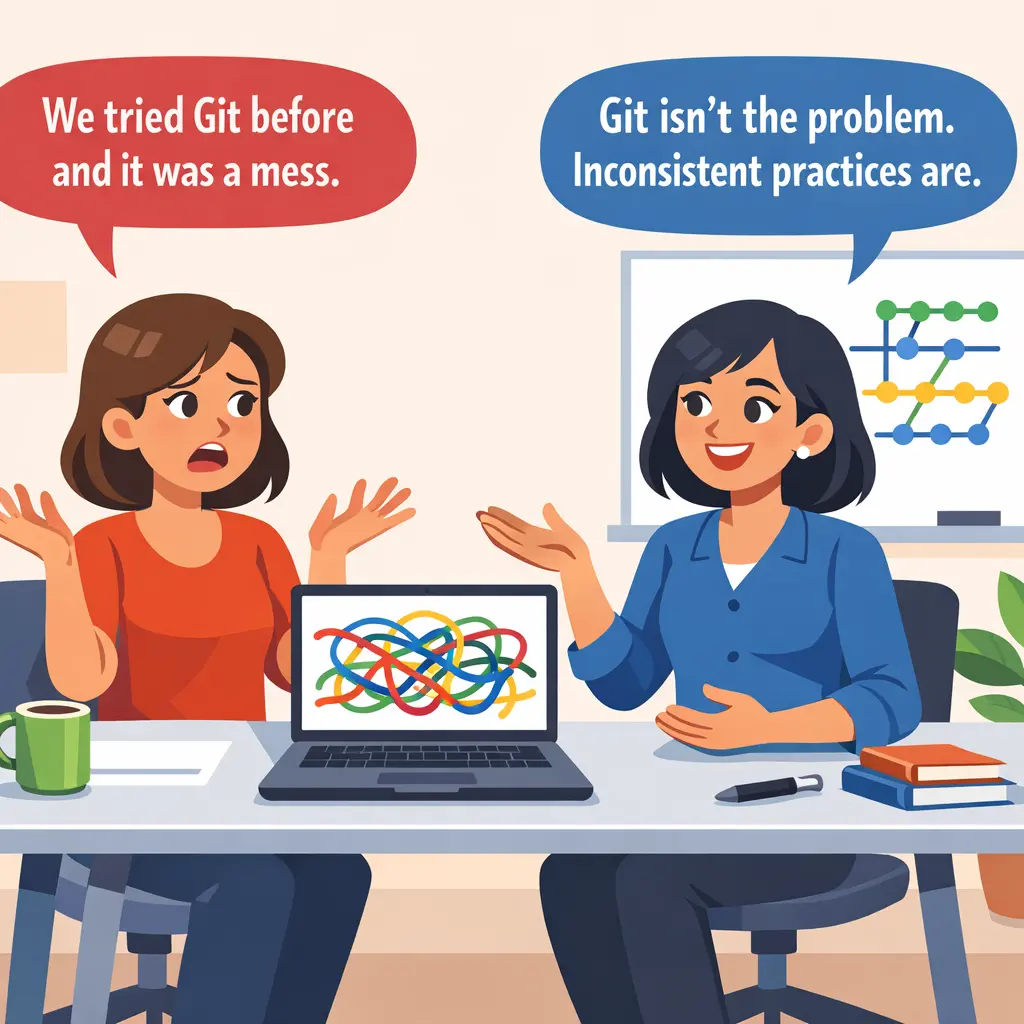
Git is simple in concept and has sharp edges. Train people properly, with structured exercises rather than a video. Agree conventions early: the branching strategy, the commit message format and a pull request template. Most Git disasters come from inconsistent practice. The tool is rarely at fault.
"Microsoft365DSC isn't mature enough."
Microsoft365DSC has been in active development since 2018 and covers most Intune and Microsoft 365 configuration. It has gaps and the occasional bug, and it is still better than ungoverned console changes; a team that waits for a perfect tool just keeps clicking through the console while it waits.
What changes after six months
Six months in, the difference shows in ordinary work:
- A new team member learns the configuration by reading the repository, not by clicking through hundreds of console pages.
- An audit or compliance request gets the Git history, not a week of gathering evidence.
- The same files build a test tenant that matches production.
- "What changed?" takes seconds to answer, not hours.
The bigger change is in the team's habits. "I'll just tweak this setting" becomes "I'll raise a pull request for this." That habit matters more than the tooling, because the tooling does nothing about a change made in the console.
Next steps
Start with an export this week:
- Install Microsoft365DSC and export your Intune configuration. Read what comes out.
- Create a Git repository in Azure DevOps, GitHub or Gitea, and commit the export.
- Set a calendar reminder to export again in a week, then compare the two exports.
That is the whole first step: no pipelines to build, no automation to configure, and no change to how the team works.

One more thought: everything above assumes you're the one writing the code and making the commits. That assumption has an expiry date, and Part 4 explains why.
This is Part 2 of the Windows Endpoint Management series. Part 1: The Case for Standardisation covers the broader principles. Part 3: Application Packaging compares Win32 and MSIX packaging and when to use each.
Get the next one by email
Long, specific write-ups on M365 architecture and security, worked out against real tenants rather than summarised from documentation. Sent rarely, and only when it is worth your time.