sbd.org.ukNo. 04
This issue
Licences and what they cost
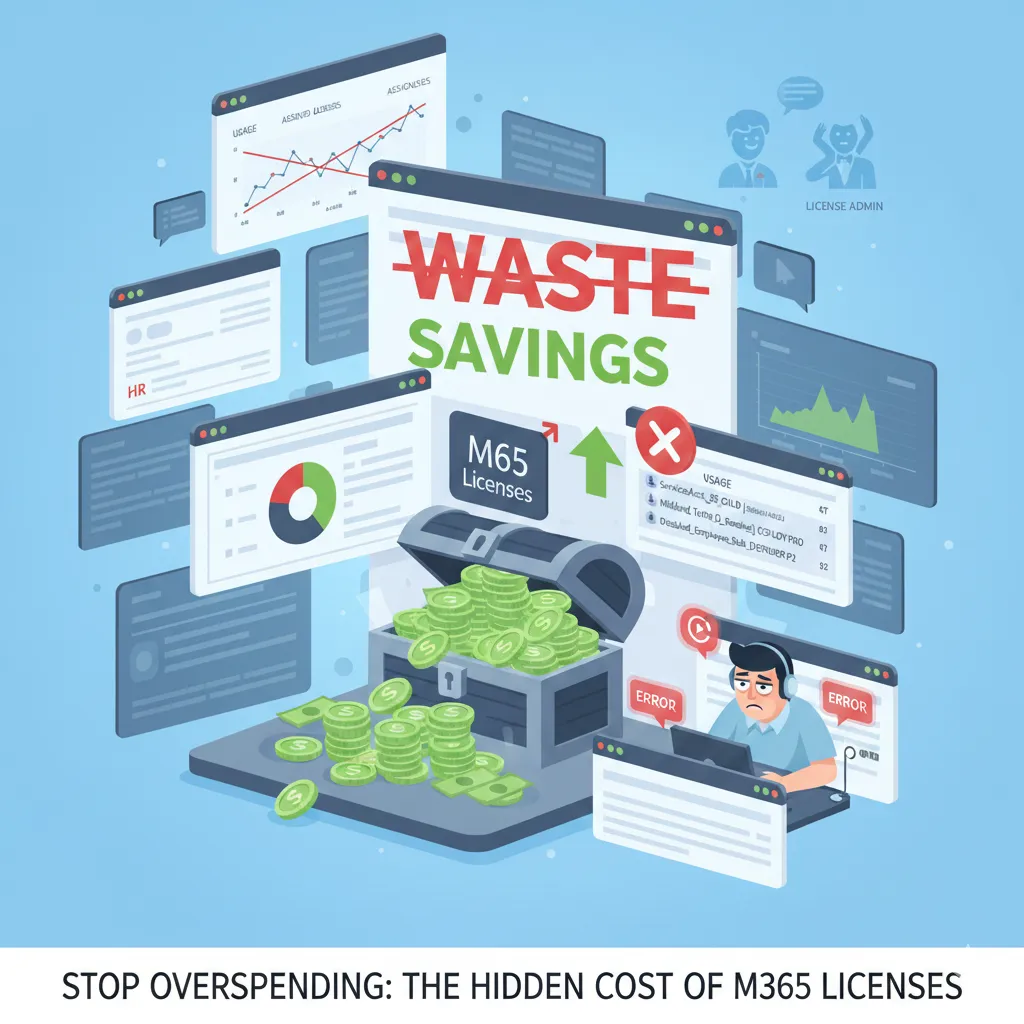
- + The M365 Licensing Audit Nobody Wants to Do
- + Microsoft 365 E3 vs E5: Decision Framework
- + M365 Add-On Costs: Evaluation Framework
This issue
Microsoft 365
Automated M365 licensing audit using Graph API and PowerShell: find unused Copilot seats and reclaim licences from disabled accounts still on E5.
By Paul Bentley · 14 min read
Every Microsoft 365 tenant I've assessed has been overspending on licences. Not by a little: typically 15 to 30%, sometimes more. The waste follows the same patterns every time: E5 licences on service accounts that don't need them, Copilot seats assigned to mailboxes that send three emails a month, Defender P2 entitlements on users who aren't in scope for EDR, and the perennial favourite, disabled accounts that still hold paid licences because nobody told HR to tell IT to tell the licence admin to reclaim them.
The audit isn't hard. It doesn't get done because it's tedious, it's nobody's explicit responsibility, and the M365 Admin Centre makes it just difficult enough to cross-reference usage against assignment that most people give up after an afternoon of clicking.
This post fixes that. We'll use Microsoft Graph API to pull licence inventory, per-user assignments, and workload activity data, then cross-reference them to produce a waste report you can hand to your finance team. Everything runs in PowerShell, every script is reusable, and the whole process takes about twenty minutes once you've set it up. If you're new to working with Graph API programmatically, the Microsoft Graph API for Architects post covers endpoint selection, authentication patterns, and PowerShell fundamentals for tenant assessments.

Microsoft 365
M365 E3 vs E5 decision framework for architects: TCO breakpoints, cost comparison scripts, and the rule for when E5 actually beats E3 plus add-ons.
By Paul Bentley · 15 min read
"Just put everyone on E5." I hear this recommendation constantly, and it is almost always wrong. E5 is an excellent product but recommending it for every user in an organisation without analysing what those users actually need is the licensing equivalent of buying a four-bedroom house for someone who lives alone because "they might want the space."
To be clear: this is not a post telling you to downgrade from E5 to E3. If you are using E5's advanced security, compliance, and voice capabilities, E5 is worth every penny. The problem I see repeatedly is organisations that bought E5 with the intention of enabling all those features, never did, and now complain about how expensive it is. If you know you are not using Defender for Endpoint's threat hunting, or Purview's Insider Risk Management, or PIM, and you do not have a defined, scheduled project to deliver them, why are you still paying for them?
That question requires actual analysis, not a feature comparison table. This post provides that framework: which feature differences actually matter, a TCO model with realistic add-on stacks, the breakpoints where E5 earns its premium, and the PowerShell scripts to run against your own tenant. If you have not already run a licence audit, start with The M365 Licensing Audit Nobody Wants to Do. That post identifies waste in your current assignments. This post tells you what to do about it.
All scripts use the Microsoft Graph PowerShell SDK v2.x and need PowerShell 7 or later. For foundational Graph API patterns, see Microsoft Graph API for Architects.

Microsoft 365
Control M365 add-on costs: a five-question framework for Intune Suite, Entra ID Governance, Copilot, and Purview, plus a PowerShell audit script.
By Paul Bentley · 16 min read
Add-ons are the licensing equivalent of supermarket impulse buys. Each one looks reasonable in isolation, none of them feels expensive on its own, and the total at the till is always a surprise. Microsoft's add-on catalogue is the most profitable shop window in enterprise IT, and most organisations walk into it without a budget.
An organisation buys E3 because that is what enterprise productivity costs, then adds Entra ID P1 because Conditional Access is non-negotiable. Someone in security wants Defender for Endpoint P2, the identity team needs lifecycle workflows and the records manager needs Insider Risk, while the leadership team has been reading about Copilot and the comms team has just been pitched Teams Premium. Six months later the per-user cost has nearly doubled and nobody can articulate why, beyond a vague sense that all of it was probably necessary.
This post is the framework I use to stop that happening. Procurement teams will recognise the subject as software asset management and licence optimisation, but in M365 it is inseparable from architecture.
The framework assumes a baseline of what users are licensed for today, which The M365 Licensing Audit Nobody Wants to Do and Microsoft 365 E3 vs E5: Decision Framework for Architects both cover, so those are the place to start. Add-ons cannot be evaluated sensibly until it is clear what is already in the box.
Long, specific write-ups on M365 architecture and security, worked out against real tenants rather than summarised from documentation. Sent rarely, and only when it is worth your time.